In-store payments ·
Dynamic vs Static QR Code: Which Is Better for UPI Payments?
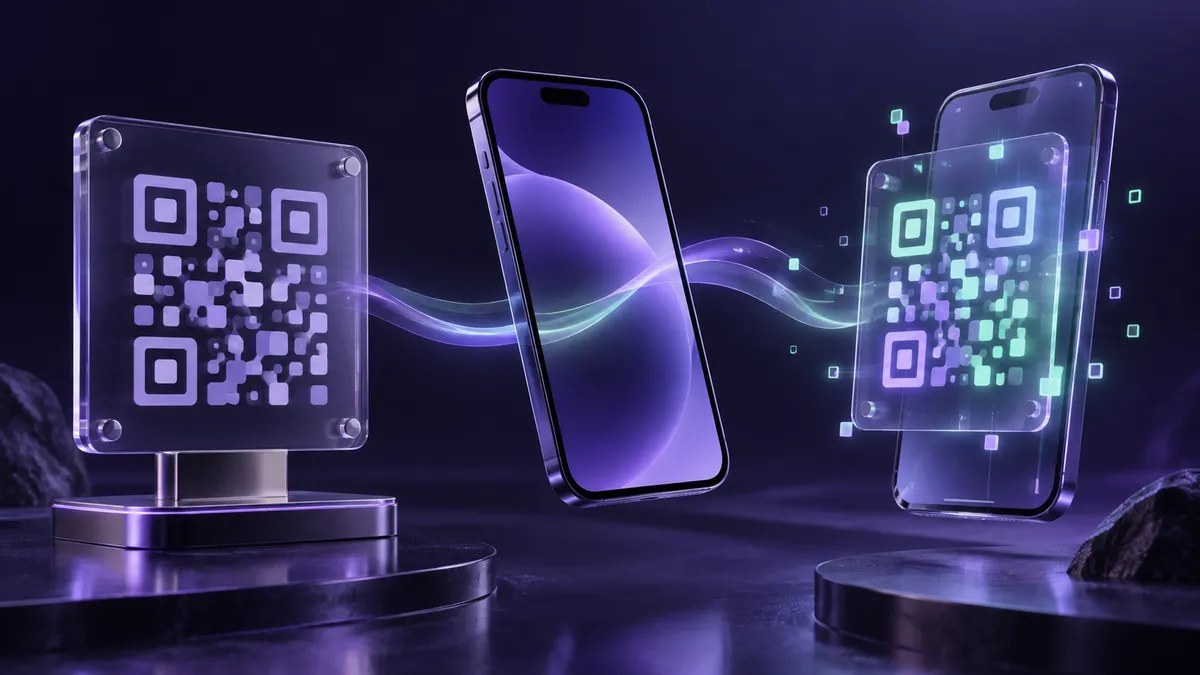
A static QR code is a fixed code that holds only the merchant's UPI details, so the customer types the amount every time. A dynamic QR code is generated for each payment and already contains the amount and an order or bill number, so the customer only confirms and pays. Static QR suits small shops with simple sales; dynamic QR suits billing counters, websites and businesses that need automatic matching of payments to bills.
What is a static QR code?
A static QR code is printed once and used for every payment. It holds the merchant's UPI ID (VPA) and name. The customer scans it with any UPI app, enters the amount and pays. It costs nothing to keep and works without any device at the counter, which is why it is common at kirana stores, vegetable stalls and small service businesses.
- Pros: free to use, works offline at the counter, no billing system needed.
- Cons: the customer can type the wrong amount, and each payment has to be matched to a sale by hand.
- Best with: a UPI soundbox that announces every payment, so staff do not need to check a phone.
What is a dynamic QR code?
A dynamic QR code is created for one payment only. The billing software, POS machine, website or app generates it with the exact amount and a unique reference. Once paid, it is not used again. Because the reference comes back with the payment confirmation, the system can mark the bill as paid on its own, which removes the end-of-day job of matching UPI credits to sales.
- Pros: no wrong amounts, faster checkout, and each payment is matched to its bill or order automatically.
- Cons: needs a screen, POS machine, billing software or checkout to show the code.
- Best with: supermarkets, restaurants, pharmacies, fuel stations, e-commerce, utility bills and invoice collections.
Dynamic vs static QR at a glance
- Amount: static needs the customer to type it; dynamic has it built in.
- Reference: static payments carry no bill number; dynamic payments carry one.
- Reconciliation: static is manual; dynamic is automatic.
- Setup: static is a printed sticker; dynamic needs a device or software.
- Fraud risk: a printed static QR can be covered by a fake sticker, so check it often; a dynamic QR is shown only on your own screen.
Which QR code should your business use?
- Small shop with quick, low-value sales: a static QR with a soundbox is usually enough.
- Billing counter or restaurant: a dynamic QR on the POS or billing screen cuts errors and speeds up queues.
- Online store or app: dynamic QR or UPI intent at checkout is standard.
- Many businesses use both: a static QR as backup and a dynamic QR at the main counter.
- Whichever you choose, make sure payments settle to your business current account and that you get a daily report.
- Teach staff to confirm every payment from the soundbox, POS or dashboard, never from a screenshot shown by the customer.
Frequently asked questions
Are there charges for receiving UPI payments by QR code?
UPI payments to merchants up to ₹2,000 carry zero MDR. NPCI announced in September 2026 a 0.4% MDR on merchant UPI payments above ₹2,000, with small merchants exempt; its start, first set for 15 October 2026, has been put off until after Diwali. A provider may also charge for devices such as soundboxes or POS machines, so check its price list.
Can a static QR code be used to receive any amount?
Yes. The customer enters the amount, within their UPI app's and bank's transaction limits.
Does a dynamic QR code work with all UPI apps?
Yes. Dynamic UPI QR codes follow the NPCI standard, so any UPI app can scan and pay them.